Personal Seven-Day Work Grid: Planning Focused Weeks Without Burnout
Jennie Uyen Chu ·
Personal Seven-Day Work Grid: Planning Focused Weeks Without Burnout
A clean personal seven-day work layout lets you view your upcoming Monday through Friday at a glance without stuffing every single half hour until exhaustion sets in. Focusing on one to three genuine core deliverables, locking high-energy morning windows first, and leaving deliberate overflow buffers turns planning into steady relief for both work and family time.
Most people drop detailed week schedules by Wednesday because Sunday planning filled 8 AM to 9 PM solid with zero breathing room. Pairing streamlined routines from our Jennie mindful productivity journal with clear priority rules in effective task sorting methods keeps your week anchored on impact rather than busywork.
Step 1 — Empty Every Note Into an Inbox (Minutes 1–4): Collect project steps, bills, and appointments in one capture box, finishing sub-two-minute tasks immediately.
Step 2 — Sort With a Priority Matrix & Pick Top 3 Outcomes (Minutes 5–8): Separate urgent pings from high-value strategic work and lock three core targets.
Step 3 — Place Focus Blocks Across Monday Through Friday (Minutes 9–12): Guard 60–90 minute deep blocks first thing in the morning and batch routine messages in the afternoon.
Step 4 — Confirm Handoffs & Monday's 1-3-5 Start (Minutes 13–15): Record check-back dates for waiting-for tasks and line up Monday's opening 1-3-5 list.
Five-Day Balanced Execution Overview
Weekday
Primary Deep Target
Three Supporting Steps
Protected Overflow Window
Monday
Complete core proposal or deliverable by 11:30
Confirm schedule · Send two quotes · Review handoffs
16:30–17:15 inbox cleanup
Tuesday
Draft creative or deep technical work early
Check receivables · Client call · 30-min movement
15-min inbox sweep
Wednesday
Mid-week pace review and bottleneck clear
Update metrics · Tidy folders · Partner replies
2-hour open afternoon buffer
Thursday
Finalize main project deliverable
Check waiting-for dates · Household errands
Prep crisp Friday finish list
Friday
Wrap weekly deliveries & 80/20 review
Pay bills · File downloads · Close small admin
Sign off cleanly by 16:30
Comparing Paper Spreads, Spreadsheets, and Unified Priority Web Apps
Criteria
Paper Notebook
Spreadsheet Workbook
Unified Priority & Schedule Web App
Week-to-Day Sync
Must rewrite tasks from week overview onto daily pages
Easy mismatch between weekly tabs and daily sheets
Single shared task list syncs Matrix, 1-3-5, and Week timeline automatically
Overload Warnings
Manual eye estimate
No automatic free-gap warnings
Detects earliest free gaps and flags overloaded schedules
Time Accuracy Tracking
Rarely logs real minutes per item
Manual external timer entry
Built-in task focus timer computes estimate vs. reality multipliers
Privacy & Offline Speed
Physical desk copy only
Desktop friendly, awkward on phones
Runs offline in any browser with local device privacy
Close Fridays With an 80/20 Review So Next Week Starts Lighter
Circle the vital 20%: Identify two tasks driving most weekly value and drop one unnecessary busywork item next week.
Compare estimated vs. logged minutes: If drafting a piece is usually estimated at 45 minutes but takes 85 minutes in practice, apply that realistic factor next week so deadlines stay calm.
Answer three crisp prompts: What moved forward? What stalled? What single priority leads next week?
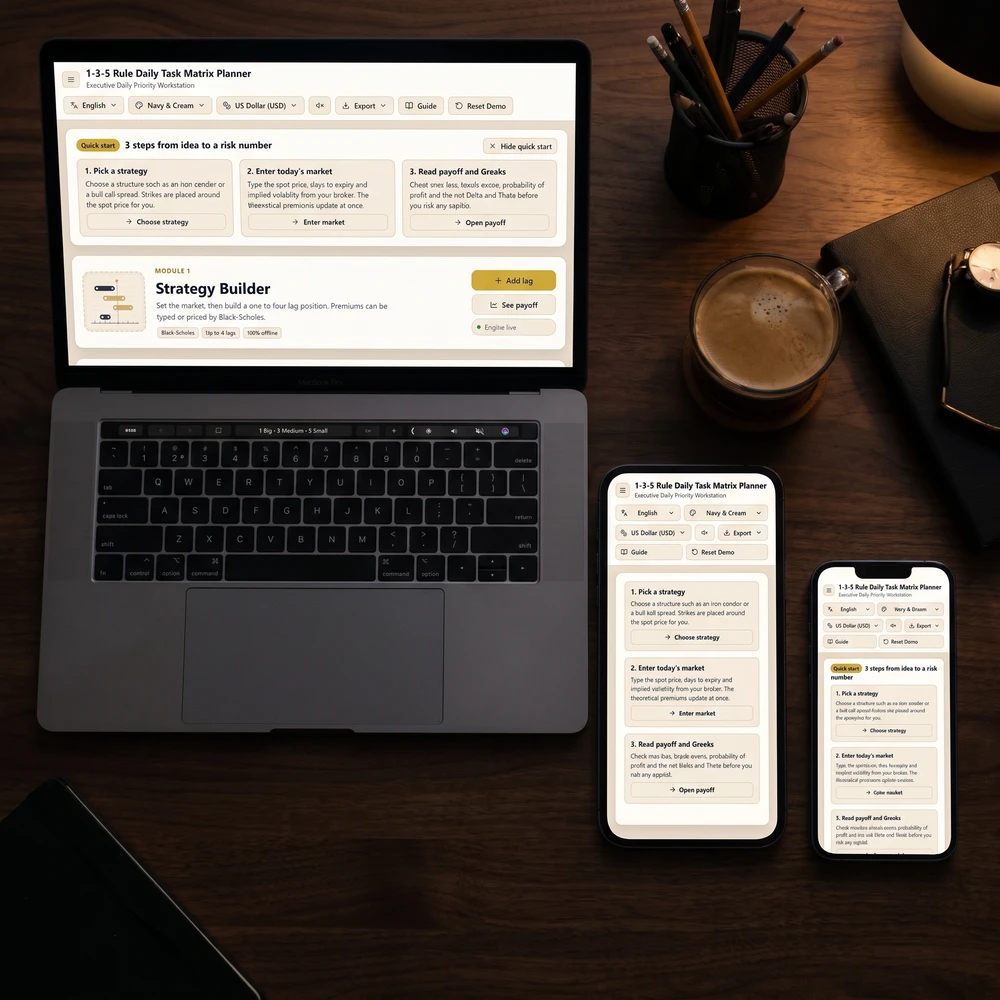
Keep Tasks, Matrix, and Schedule Blocks Unified in One Place
Try Daily Priority Planner—15 connected offline screens stored privately in your browser tying Inbox triage, capped 1-3-5 slots, Eisenhower Priority Matrix, Day & Week Time Blocks, Delegation logs, 80/20 time multipliers, CSV exports, and PDF print views together on one unified list.
Give yourself fifteen quiet minutes this weekend to pick three meaningful priorities, leave margin on your calendar, and enjoy an unhurried Monday morning.
Jennie has no separate AI assistant on Claude or ChatGPT; her Yin Yang Masters app is listed there — birth charts, numerology and lucky dates right in the chat.
Little Assistant is Jennie's helper. Every hour she writes a diary note about new posts and videos, plus a calm 3-minute practice. Come say hi at her desk.